
Free GIF Downloader Online
Download Animated GIFs from link
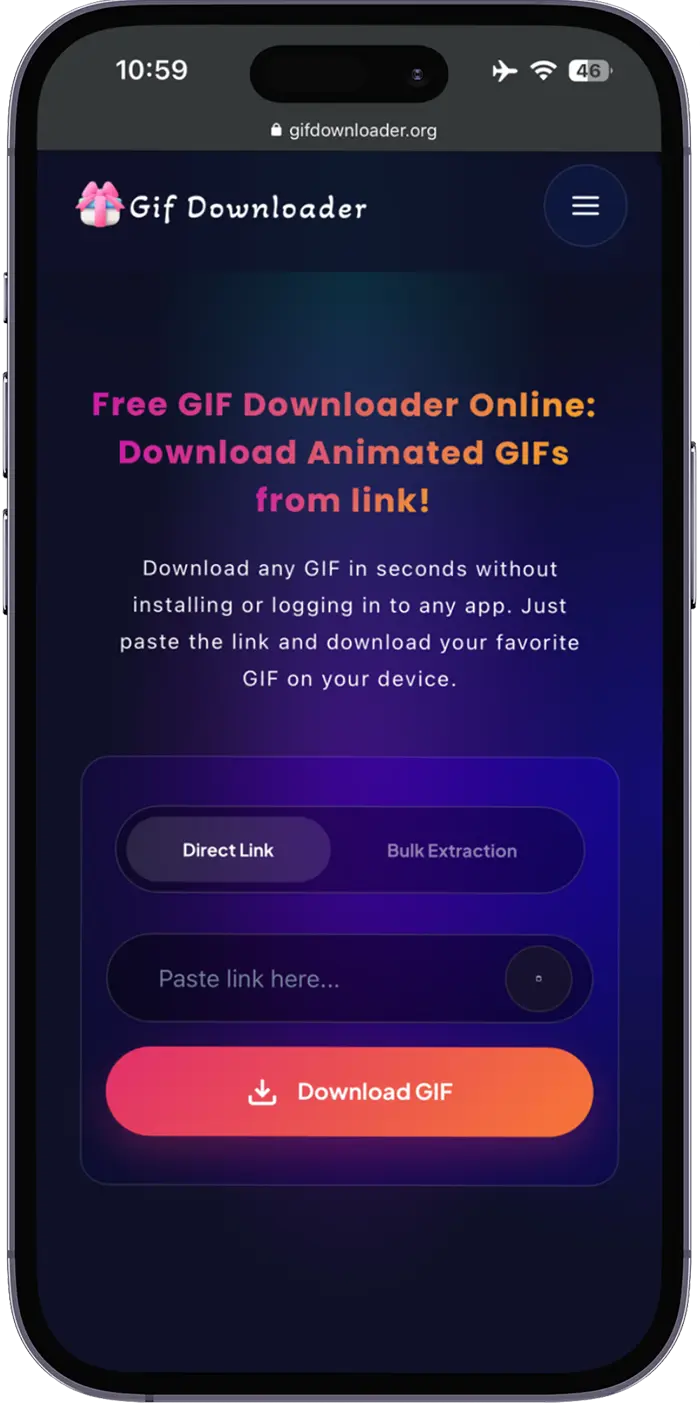
Download any GIF in seconds without installing or logging in to any app. Just paste the link and download your favorite GIF on your device.
Free Online GIF Downloader
In 2026, instead of long messages or videos, most people prefer to share or post animated GIFs. We can find hundreds of interesting and unique GIFs from different social media platforms.
Unfortunately, most platforms still do not provide a simple way to save animated images directly, which can make the process frustrating. This is where a reliable GIF Downloader becomes incredibly useful. This tool has a simple and clean interface, which makes it easy to use for everyone.
No matter if you want to download a GIF from a link or from a URL, this tool offers both options. Moreover, with this online GIF downloader tool, you will not need to download or register on any app. You also shouldn’t need a technical expert to use this smart tool.
Let’s explore more amazing features of the downloader tool, steps to use it, and more. So keep reading!
Why Use Our GIF Downloader Online?
However, the internet is full of GIF downloader tools, but still, many people prefer this downloader as it offers some unique and better
features. Some reasons why people always choose it are given below:

Downloads Without Extra Steps
You can quickly download your favorite GIFs using this online downloader without any hectic steps. If you use this tool, you won’t need to install any software or create an account. Everything will work online, keeping the process quick and free of frustration.

Supports Direct Links and URLs
Another reason for choosing the gif downloader is that it supports both direct links and URLs. You just have to copy-paste the GIF link and click on the download button to save it permanently. Moreover, this GIF downloader ensures you can easily manage multiple sources and formats.

High Quality & HD GIF Preservation
This downloader also preserves the original quality of GIFs and images. So, you can save high-quality GIFs easily without paying extra. All your GIF downloads will remain sharp and clear, you can also try the Gif Compressor to get the perfect results without affecting quality.

Compatible with All Devices
While using this tool, you won’t have to worry about which devices it will work on. This is because it is compatible with all devices, including desktops, tablets, Android, iOS, and others. So, you can open and use it anytime and anywhere you like.

Extract GIFs from Webpages Easily
Besides direct links, you can also extract GIFs from the webpages in just a few simple clicks. This smart feature makes this tool perfect for saving embedded GIFs from different webpages without any app or software.

Better Privacy Control
Another reason that makes this tool unique is its better privacy options. Whatever you download or share on this tool, it will not save any information. So, in this way, you can easily download GIFs while maintaining your privacy.
You can enjoy unlimited downloads for free. This tool will not show you any downloading limitations after you save three or four gifs.
It will allow you to save as many Gifs as possible.
How to Download a GIF from a Link?
Step-by-step Guide!
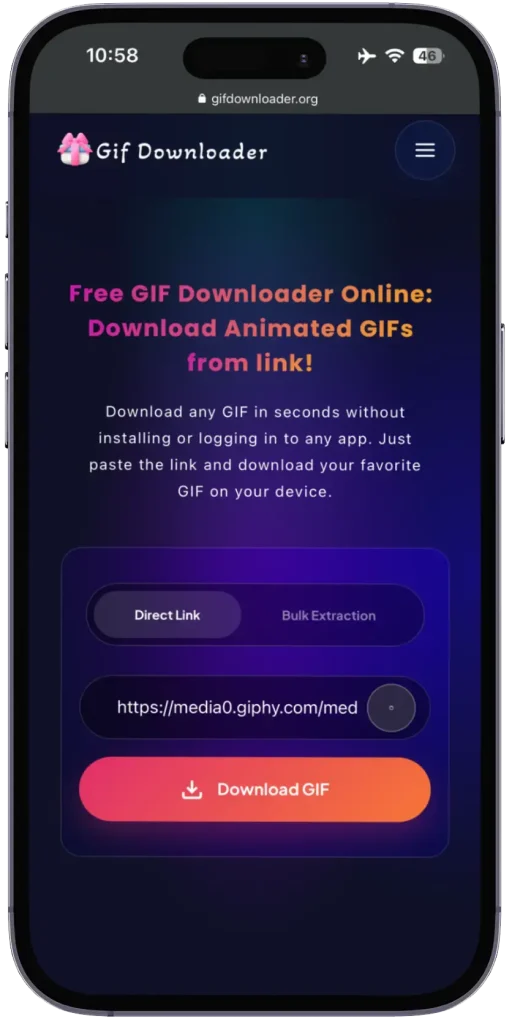
You can follow these simple steps to get any type of Gif from our free GIF downloader online.
Copy the GIF Link
You should find your favorite GIF online and copy its direct link from the app or browser.
Paste the URL into the GIF Downloader
Now, open our downloader tool and then paste the copied link into the required field.
Click on the Download Button
After that, you should click on the download button to start the process. This tool will fetch data from the source and then download it.
Save GIF to Your Device
Once the GIF is downloaded from the link and stored without quality loss or watermark.
Guide to extract GIFs from a Webpage
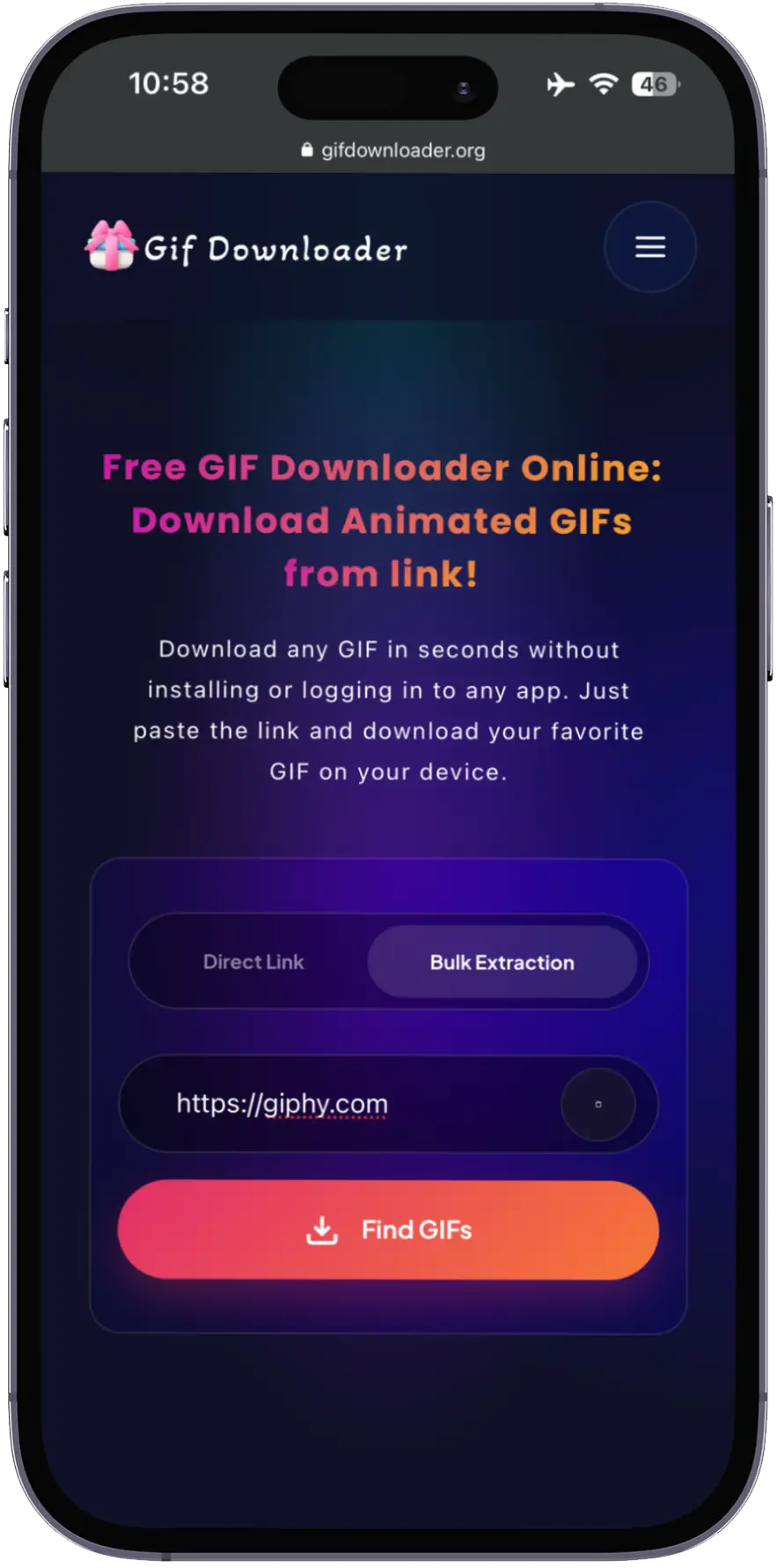
Well, not all Gifs are available with direct URLs; some are embedded inside the webpages. However, with our GIF downloader, you can quickly extract GIFs from a webpage without technical steps.
Copy the Webpage URL
You should open the page, which contains the GIFs and copy its full link from the browser.
Select Webpage Extraction Tool
Now, you should open the GIF Downloader tool and from the tool select the webpage mode so that the tool can scan the entire page to get your GIFs.
Paste the Link into the GIF Downloader
After that, you should paste the webpage URL in the tool and click on the download button. After this step, the tool will start collecting information from your provided webpage.
Download Your GIF
Once it collects the GIFs, it will automatically start downloading them. You can save it on your device later.
Steps to Download GIF on iPhone & Save
to Camera Roll
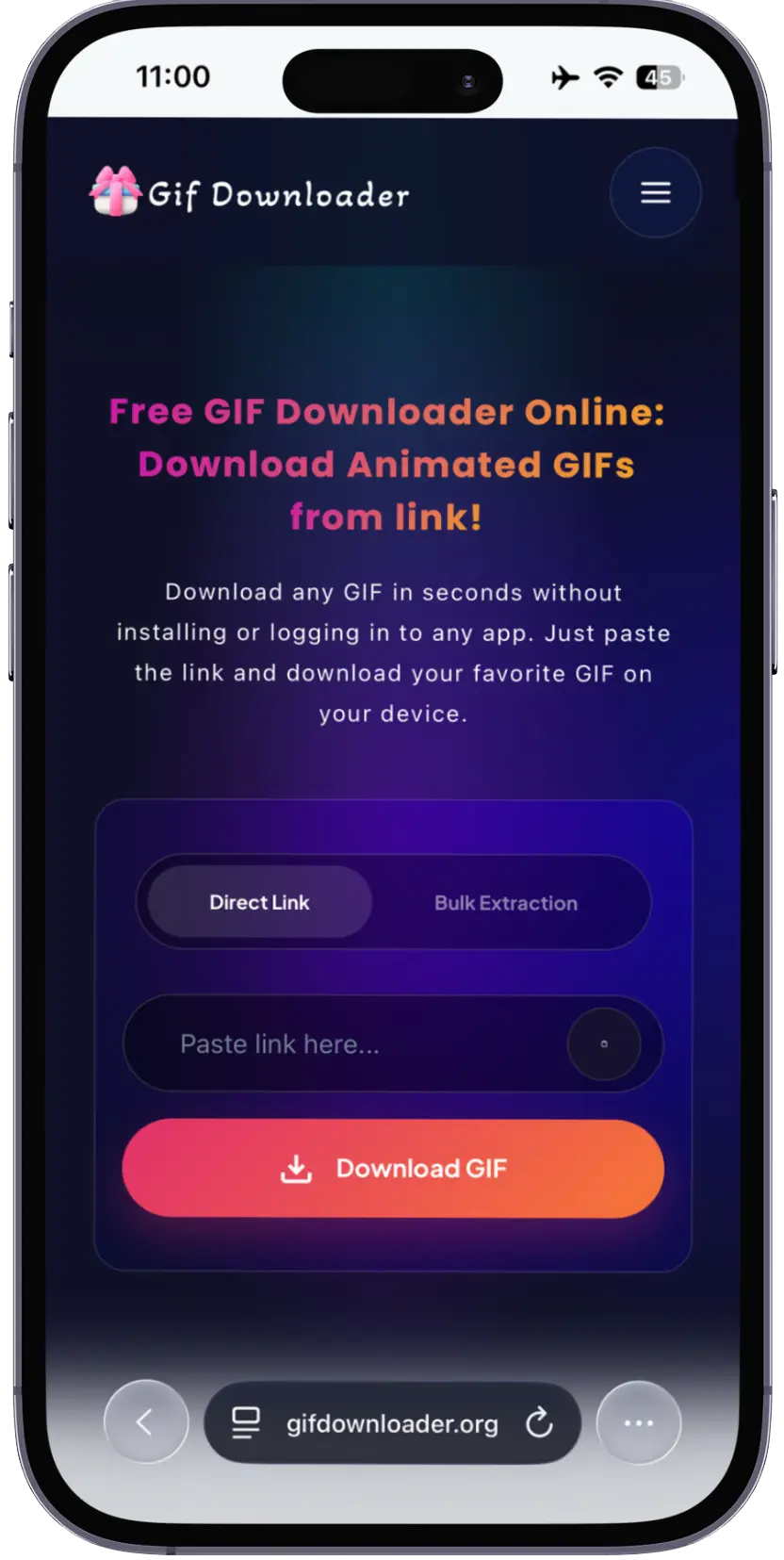
As this tool is compatible with all devices, you can also use it on iOS to download gif online. You can follow these quick steps to complete your GIF download and store the file directly on your iPhone:
Copy GIF Link
You should search for the GIF and then copy its direct URL.
Open GIF Downloader in Safari
Next, open your Safari browser and search for the GIF downloader tool.
Next, from the appearing results, you must open the official website.
Paste the Link and Start Download
Insert the URL and tap the button to begin the GIF download from the link process.
Save GIF to Camera Roll
After the GIF is downloaded on your device, you should tap, hold, and then select the “save to camera roll” option.
High Quality and HD GIF Downloader
When saving your favorite GIFs or converting them from JPG to GIF, quality matters a lot. Luckily, the GIF downloader tool is designed to provide you with the best content quality when you download any GIF.
No matter if you save one GIF or more, it will maintain the original resolution and smooth playback without unwanted compression.
Moreover, with this high-quality GIF downloader, you can get useful content for your presentations, content creation, or even personal use. You will enjoy sharp visuals of every GIF you download.
It also works perfectly and ensures your animated images look exactly as they do online. You never have to worry about blurry frames or degraded quality.
Detail of Download GIF No Watermark
We all know that watermarks on videos or GIFs can ruin the appearance and usability of content. Especially when any GIF contains a watermark, professionals and content creators cannot use it for commercial purposes.
So, if you want to save a GIF with no watermark, you must use a free downloader tool. It promises to provide GIFs that are clean, with no logos, stamps, or branding added to your files.
If you value clean visuals, this GIF downloader provides a reliable way to download GIFs without a watermark without compromising the quality. However, you can also convert PNG to GIF without adding any sign logo on it. No matter if you download or convert a GIF from a link or URL, the GIF keeps its original look and quality.
Download GIFs from Twitter
Animated content shared on Twitter is often captivating and interesting. But downloading it is not always a straightforward process. Before the launch of the GIF downloading tool, many people struggled to save GIFs from Twitter. However, with this tool, the situation gets better. You can follow these steps to save GIFs from Twitter.
Copy the Tweet Link
You should open the Twitter account and then search for the Gif you want to download. Next, copy the link to the GIF.
Open GIF Downloader Tool
Next, search for and open the GIF downloader in your browser on your device.
Paste the Link
After you open the tool website, you should insert the tweet URL into the input field on the tool where it is required.
Download the GIF
Lastly, you should click on the download button. This tool will detect the Gifs and then save the file instantly in original quality.
Details to Download GIFs from Other Popular Platforms
The GIF downloader not only allows you to download content from Twitter, but also works smoothly with Gifs that are shared on other platforms such as Pinterest and Reddit.
Here is how you can use this tool to save content from other platforms:

Reddit GIF Downloader
From Reddit, you can easily download a GIF from a link. No matter if the link is in the form of shared Reddit posts or comment threads, this tool offers a simple and easy way to save the content. You just need to copy the URL and use the GIF downloader to save the Gif without quality loss.

Pinterest GIF Downloader
Whenever we scroll Pinterest, we often notice hundreds of amazing pins and animated content. Now, by using this tool, it has become easy to save content. You have to paste the link into the GIF downloader online and perform a quick download to store it directly on your device.

Discord GIF Downloader
Now, all animations shared on Discord can also be saved effortlessly. To save GIFs from Discord, you have to copy the message or media link. After that, paste it into the GIF downloader, and download the
GIF instantly.
GIF Downloader Conversion and Format Support
This tool is designed to handle all types and formats of Gifs downloads instead of just simple ones. Here is a detail of the different
conversions and formats this tool supports.

Supports Multiple Web Formats
You can download GIFs in multiple formats by using this downloader tool. This smart feature ensures you can easily save any content without facing compatibility issues.
WebP to GIF Conversion
You can also convert GIF in WebP format into standard GIF files. So, this WebP to GIF conversion ensures you can use these GIF files anywhere you like.

MP4 to GIF Support
Another good feature of GIF downloader is that it can convert short video clips into HD quality GIFs. In this way, you can share these GIFs anywhere for content creation purposes.
Tips to Save GIFs from the Gif Downloader tool
You can get the best results if you follow some expert tips. These simple tips can help you save content
smoothly and avoid common issues.
Troubleshooting GIF Downloading Issues of GIF Downloader
However, the GIF downloading tool offers the best features and smooth performance. But still, sometimes, people face issues when saving their favorite content. Well, the good thing is you can easily handle all issues and save your favorite GIFs.
GIF Not Animating After Download
Sometimes, the GIF does not animate after you download it on your device. So, you must check the file extension is GIF and open it with a viewer or browser that supports animations.
Download Not Starting
Most of the time, users face issues related to downloading. After clicking on the download button, the GIF does not start downloading. So, you must refresh the page or retry using the GIF downloader with a stable internet connection.
Quality Appears Reduced
If you notice that the GIF quality is reduced, then you should see the original source link to allow the High Quality GIF Downloader to preserve resolution.
File Not Saving on Mobile Devices
If the file is not saving, you can check browser permissions and storage availability when using the GIF downloader online.
Best Free Online GIF Downloader 2026
If you are looking for a fast and reliable downloader, then this GIF downloader is the best option for you. These smart tools contain all the useful features that can make your GIF downloading experience better.
Due to its simple interface and conversion options, everyone can use it and convert GIFs into their preferred formats. You must try this tool as it is free and available to be used on all devices.