
PNG to GIF
Converter Online for Free
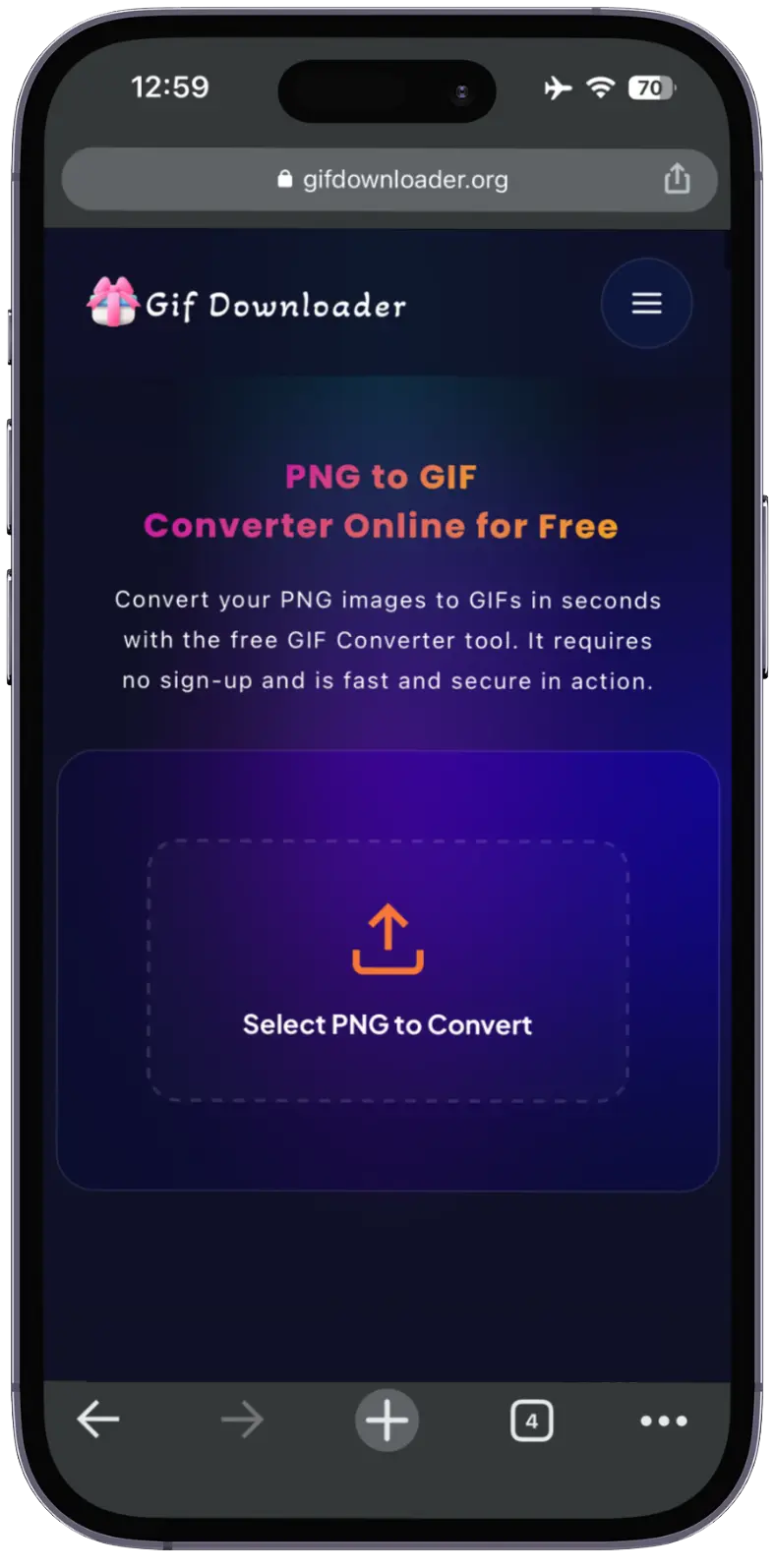
Convert your PNG images to GIFs in seconds with the free GIF Converter tool. It requires no sign-up and is fast and secure in action.
Select PNG to Convert
Free Online PNG To GIF Converter
Have you ever tried to upload PNG images on any platform and realized this format is not supported? Well, this is the issue most of the content creators face. Now, some modern platforms support GIF animations. The ultimate solution is to use an online PNG-to-GIF converter.
Our tool has a simple, intuitive design that makes it easy for everyone to use. With just a few simple clicks, you can turn PNG images into lightweight, web-friendly GIFs. In addition, our tool is free of ads and will not affect the content quality.
Let’s explore more about this PNG to GIF conversion tool, its features, and steps to use it. So keep reading!
Features of PNG to GIF Animations Converter
Our GIF conversion tool contains a lot of unique features that will help you turn any PNG image easily into a GIF.
However, these qualities will also give you the best user experience.

Multiple Files Support
Our smart conversion tool supports animated GIFs. You can upload multiple PNG images and create a single animated GIF.

Time Saver
To save you time, it also supports batch conversion. You can upload and convert multiple PNG files at once to save time.
Multi Device Support
It works on All Devices, such as mobile phones, tablets, and desktop browsers.

No Watermark
Watermarks often create disturbance and make content look unprofessional. That’s why it lets you download GIFs without any logos or watermarks.
Steps to Convert PNG to GIF Online
You can follow these simple steps to convert PNG to GIF within seconds.
You should download PNG images from any platform that you want to convert into an animated GIF.
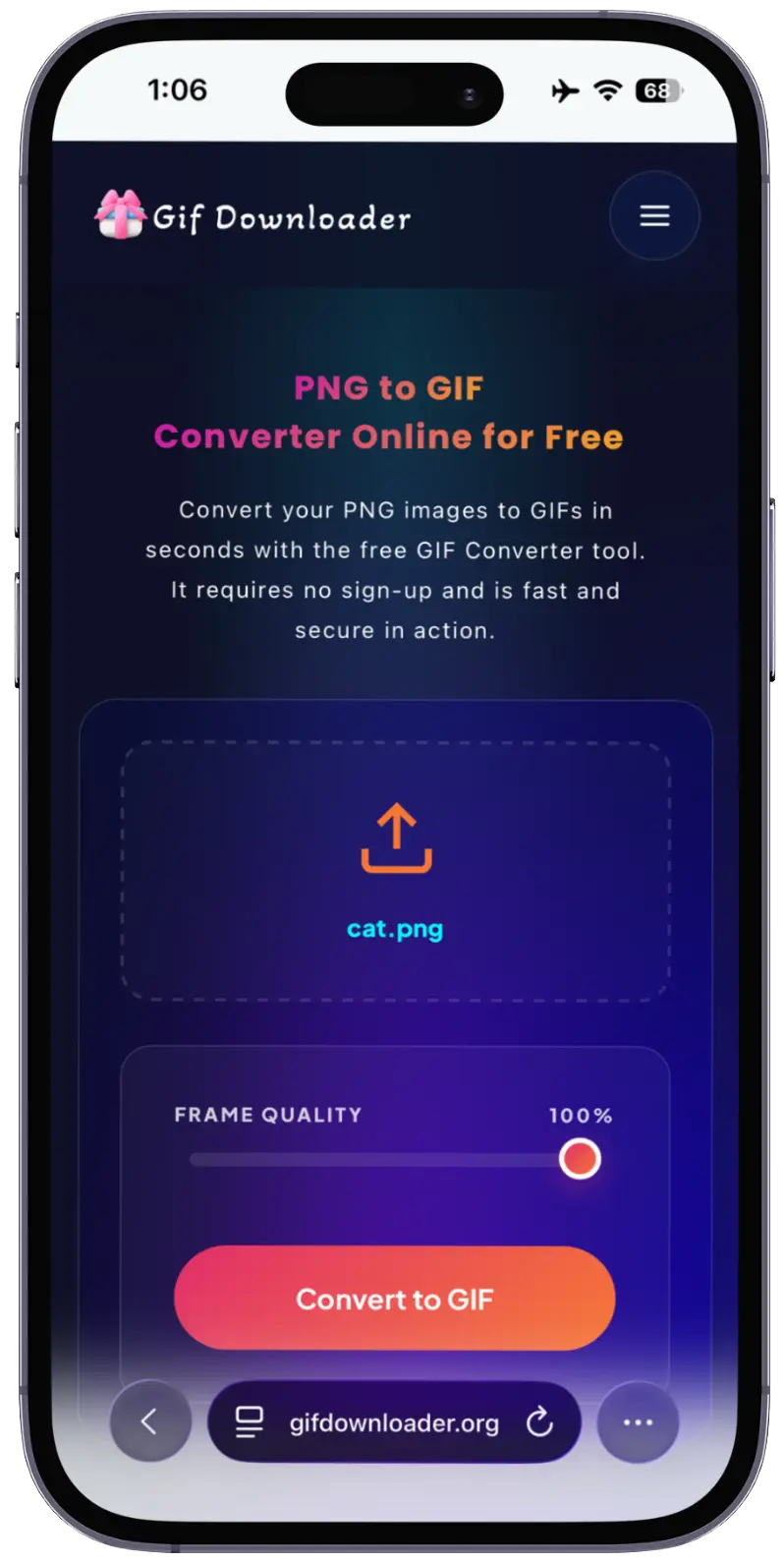
Now, open your PNG to GIF converter tool and upload the images.
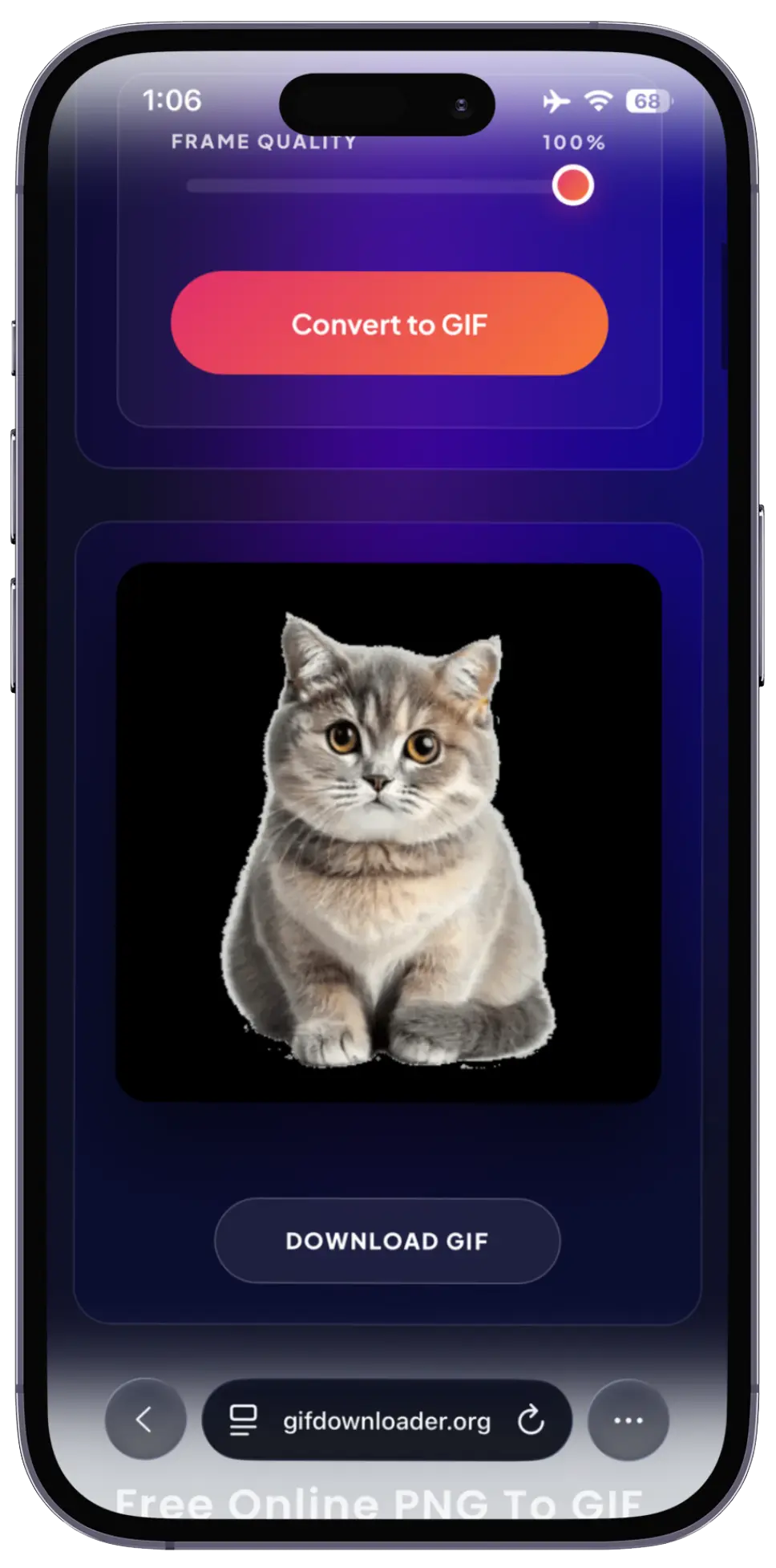
Next, click on the “Convert to GIF” button from the options.
After successful conversion, click on “Download GIF” to save the file permanently on your system.
Why Do You Need a PNG to GIF Converter Tool?
Here are some reasons you should use our conversion tool.
This conversion tool is private and safe, as it does not share your uploaded information with anyone else.
You can easily convert images into GIFs without using any special software.
GIFs can help attract audiences and improve engagement. So, you can use them everywhere.
As compared to a few PNG images, GIFs’ file size is smaller, which helps to improve website loading speed.
Frequently Asked Questions
Conclusion
If you want to make your images web-friendly and shareable, you must convert them into the GIF format. By using the reliable PNG to GIF converter, you can create high-quality GIFs without much effort. So, you must use it to make your content creation journey easy.